 落尘之木
落尘之木
MathWorks MATLAB 是由MathWorks开发的多范式数值计算环境和专有编程语言。 MATLAB允许矩阵操作,函数和数据绘图,算法实现,用户界面创建,以及与其他语言(包括C,C ++,C#,Java,Fortran和Python)编写的程序的接口。
MATLAB是著名商业数学软件,由MathWorks公司出品,主要用于算法开发、数据分析、数据可视化,提供包括矩阵计算、绘制函数及数据图像等功能。
- 执行各种复杂的数学计算和繁重
- 用于管理代码,文件和数据的开发环境
- 探索实现此解决方案的方法
- 线性代数,统计,傅里叶分析,优化,滤波,数值积分和…的各种数学函数
- 绘制二维和三维图形功能,用于将数据可视化
- 在C ++,C或Java编程语言下设计和构建用户界面
- 能够测试和测量确切的功能和图形
- 通信信号处理,图像和视频的可能性
- 有各种Jbhabzarhay工程公司用于特定应用,如
- 电信,控制,模糊,估计,统计,数据收集,模拟系统,
- 神经网络,概率和……能力计算生物学
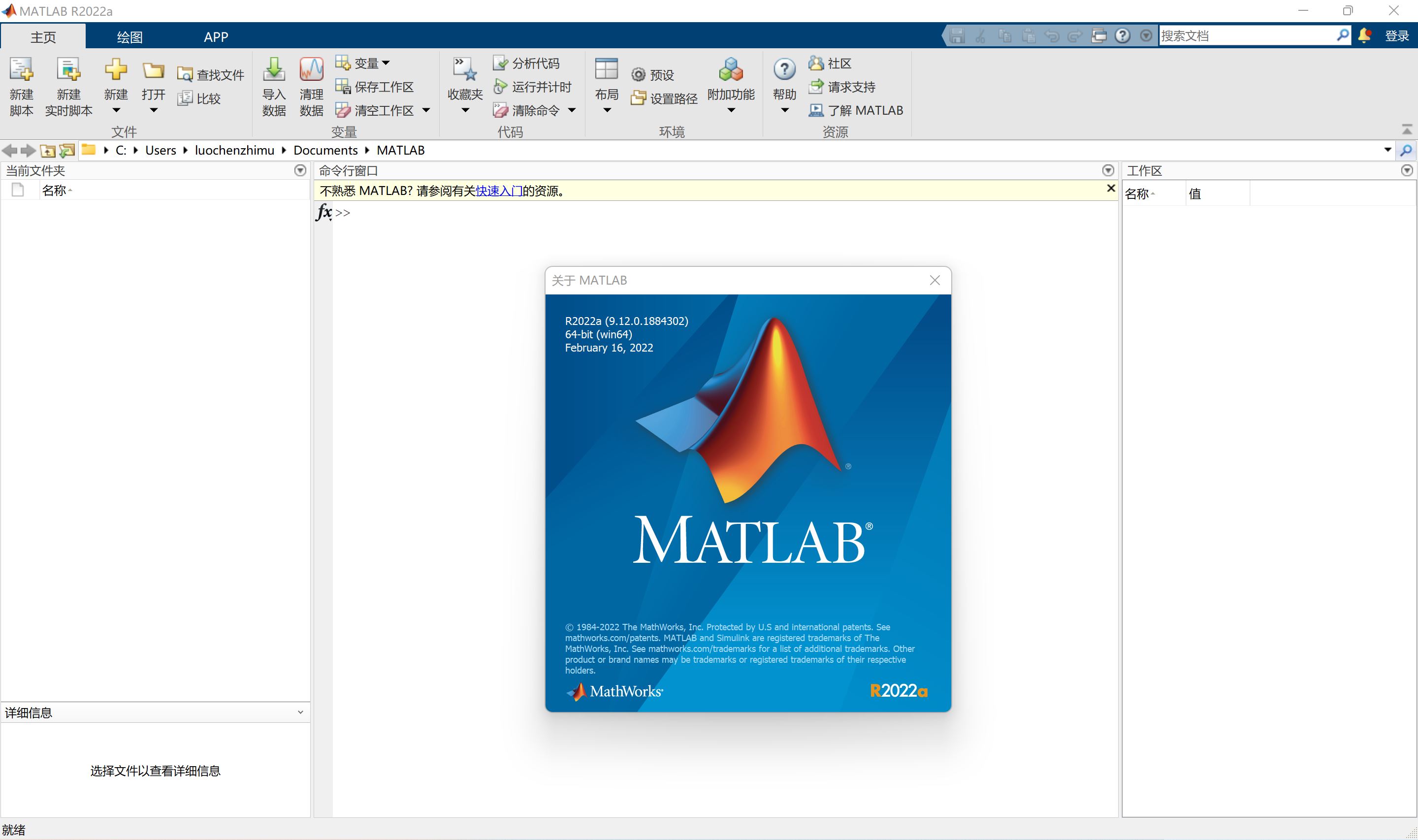
MATLAB 是一种面向科学与工程计算的高级语言,允许以数学形式的语言编写程序,比BASIC、FORTRAN 和 C语言都要更加接近于我们书写数学计算公式的思维方式。可以说,用MATLAB 编写程序,就像是在草稿纸上排列公式和求解问题,因此对于理科生和科研人员来说,它编写简单,编程效率高,而且通俗易懂。
MATLAB 是对代码、文件和数据进行管理的开发环境;是按迭代的方式探查、设计及求解问题的交互式工具;可用于包括线性代数、统计、傅里叶分析、筛选、优化以及数值积分等的数学函数;可用于可视化数据的二维和三维图形函数构建和设计;可用于基于MATLAB 的算法与外部应用程序和语言集成的各种函数。
MATLAB核心竞争力之一的Simulink模块化建模环境,是面向多域和嵌入式工程系统的仿真和基于模型的设计,可以用傻瓜式的拖动进行很多问题的建模,广泛用于汽车、航空航天、通讯、电子、信号处理、工业自动化、视频处理和图像处理系统等领域的创新和开发。如果没有Simulink,通信、控制、信号、车辆等专业的研究效率都会受到影响。哪怕不用Simulink,很多这方面的仿真软件也只提供MATLAB接口。
新版变化
MATLAB快速入门 – MathWorks 中国
https://ww2.mathworks.cn/help/releases/R2025b/matlab/getting-started-with-matlab.html
MATLAB发行说明 – MathWorks 中国
https://ww2.mathworks.cn/help/releases/R2025b/matlab/release-notes.html
MATLAB R2025 帮助文档包 R2025b_Doc_Windows.iso
https://www.mathworks.com/doc-iso-r2025b-win
MATLAB R2025b正式版2025年秋季发布新版特性:
• 让复杂计算AI化、代码编写自动化、跨平台协作无缝化。
1. AI全面融入:新增低代码AI设计器,拖拽式构建模型,大幅降低机器学习门槛。
2. 编程更智能:代码提示升级,实时联想补全整段表达式,写代码像聊天样简单。
3. 大数据提速:Tall数组吞吐量飙升数十倍,TB级海量数据计算流畅如飞告别卡顿。
4. 生态无缝衔接:实现Python与Matlab深度互通无缝衔接,可直接混调双方函数库。
5. 专业工具增强:控制系统、通信仿真等工具箱新增AI模块,仿真精度和效率双提升。
MATLAB软件版本信息
# R2025b正式版 (独立完整安装包)
MATLAB R2025b 镜像大小:14.3GB
初始版本:R2025b (25.2.0.2998904)
创建时间:Mon Sep 1 02:07:33 2025
镜像名称:MATLAB R2025b_Windows.iso
系统要求
Windows 10 (22H2), Windows 11 (22H2) 64Bit
MATLAB安装密钥说明
1. 开始安装
双击安装包 R2025b_Windows.iso 挂载到驱动器里
运行 setup.exe,安装界面 -> 点击界面高级选项 ->
我有文件安装密钥许可协议->是->输入文件安装密钥:
#R2025通用文件安装密钥:
63733-59078-50866-02827-32355-07987-57979-17850-05492-24096-05227-42839-55624-20610-22640-51189
2.激活(关键步骤!)
选择许可证文件(可选)->选择Crack下的 license.lic ->下一步->选择产品(默认全选)->
选项勾选(将快捷方式添加到桌面)->下一步(建议安装位置选择C盘以外盘符)安装
3.应用补丁(二选一,推荐第一种)
【推荐方法】
将 libmwlmgrimpl.dll 文件复制并替换到以下目录:
C:\Program Files\MATLAB\R2025b\bin\win64\matlab_startup_plugins\lmgrimpl
【备用方法】
如果上面方法不行可尝试将 netapi32.dll 复制替换:
C:\Program Files\MATLAB\R2025b\bin\win64
#(附加说明)如需安装 Polyspace 等附加产品:
如果安装过程中,勾选安装了 Polyspace 之类的附加工具箱,则需要:
1.重新运行一次 setup.exe,在添加产品时,输入下面对应的产品密钥:
• Polyspace Bug Finder + Polyspace Code Prover:
15315-49347-54135-38668
• Polyspace Bug Finder Server + Polyspace Code Prover Server:
45569-59682-06610-64133
• DO Qualification Kit + IEC Certification Kit:
42610-52008-16202-14804
2. 安装完成后同样需将 libmwlmgrimpl.dll 复制并替换到组件对应路径:
C:\Program Files\Polyspace\R2025a\bin\win64\matlab_startup_plugins\lmgrimpl
3. 运行 MATLAB/Polyspace,在提示激活时,选在不联网情况手动激活
->下一步 -> 输入许可证文件完整路径->然后在字段输入许可证完整路径
C:\Program Files\MATLAB\R2025b\licenses\license.lic
Math. Graphics. Programming.
MATLAB is a programming and numeric computing platform used by millions of engineers and scientists to analyze data, develop algorithms, and create models.
Designed for the way you think and the work you do.
MATLAB® combines a desktop environment tuned for iterative analysis and design processes with a programming language that expresses matrix and array mathematics directly. It includes the Live Editor for creating scripts that combine code, output, and formatted text in an executable notebook.
Professionally Built
MATLAB toolboxes are professionally developed, rigorously tested, and fully documented.
With Interactive Apps
MATLAB apps let you see how different algorithms work with your data. Iterate until you’ve got the results you want, then automatically generate a MATLAB program to reproduce or automate your work.
And the Ability to Scale
Scale your analyses to run on clusters, GPUs, and clouds with only minor code changes. There’s no need to rewrite your code or learn big data programming and out-of-memory techniques.
Simulation and
Model‑Based Design
Design and simulate your system in Simulink before moving to hardware. Explore and implement designs that you wouldn’t otherwise consider – without having to write C, C++, or HDL code.
Model-Based Design: From Concept to Code
Model and Simulate Your System
Explore a wide design space by modeling the system under test and the physical plant. Your entire team can use one multi-domain environment to simulate how all parts of the system behave. Package and share your simulations with collaborators, suppliers, and clients.
Test Early and Often
Reduce expensive prototypes by testing your system under conditions that are otherwise too risky or time-consuming to consider. Validate your design with hardware-in-the-loop testing and rapid prototyping. Maintain traceability from requirements to design to code.
Automatically Generate Code
Instead of writing thousands of lines of code by hand, automatically generate production-quality C and HDL code that behaves the same way as the model you created in Simulink. Then deploy it directly onto your embedded processor or FPGA/ASIC.
Home Page:
https://ww2.mathworks.cn
https://www.mathworks.com
下载地址
矩阵实验室 Mathworks MATLAB R2025b for Windows Mac Linux
https://www.123865.com/s/PjcA-PNSRA
https://pan.baidu.com/s/1VnZjrpjBDunNlkmPqpvSHA?pwd=s4yb
矩阵实验室 Mathworks MATLAB R2025b for Windows
https://www.123865.com/s/PjcA-srSRA
https://pan.baidu.com/s/1h84OOrW4XCvTa01E9Ipk9A?pwd=h8ch
矩阵实验室 MathWorks MATLAB R2025b macOSAppleSilicon
https://www.123865.com/s/PjcA-CrSRA
https://pan.baidu.com/s/1w4_aE7iADSeC_tnbk-uSwQ?pwd=n4pm
MathWorks_MATLAB_R2025b_macOSIntelProcessor
https://www.123865.com/s/PjcA-WrSRA
https://pan.baidu.com/s/1OI-Flog2grY_J23Yq6tz0w?pwd=wzn9







 wzq123 2周前 (09-29)说:
 sam2026 7个月前 (03-20)说:
 wdh123 10个月前 (12-08)说:
 九五六八 1年前 (2025-10-01)说:
 997 1年前 (2025-07-02)说:
 hackman 1年前 (2025-06-25)说:
 jhy0827 1年前 (2025-06-24)说:

这次没有123网盘